Clean Copy
Clean extract across Blender windows — one mesh from a linked rig, or a full collection, without dragging shared junk.
What it does
Built-in copy is often fine in the same scene.
The hard case is a second Blender window: you need one mesh from a tightly linked rig — or a whole rig collection — without dragging shared junk from the original file.
Clean Copy is free · made for that.
- Works across separate Blender windows / files
- Clean-extract one mesh from a linked / rigged setup
- Or copy a full collection / rig (hierarchy, visibility, color tags)
- Keeps materials
- Keeps internal parents, constraints, widgets, and drivers when you copy the whole set
- Drops outside linked junk you didn’t select
- Outliner icon buttons + custom shortcuts (Ctrl+Shift+C / Ctrl+Shift+V)
Blender 4.2+ · GPL · Version 1.4.0
Across windows
- In Window A, select a clothing mesh on a rigged character
- Click Copy (Outliner icon)
- Switch to Window B
- Click Paste
→ You get the clothing. Not the whole linked mess.
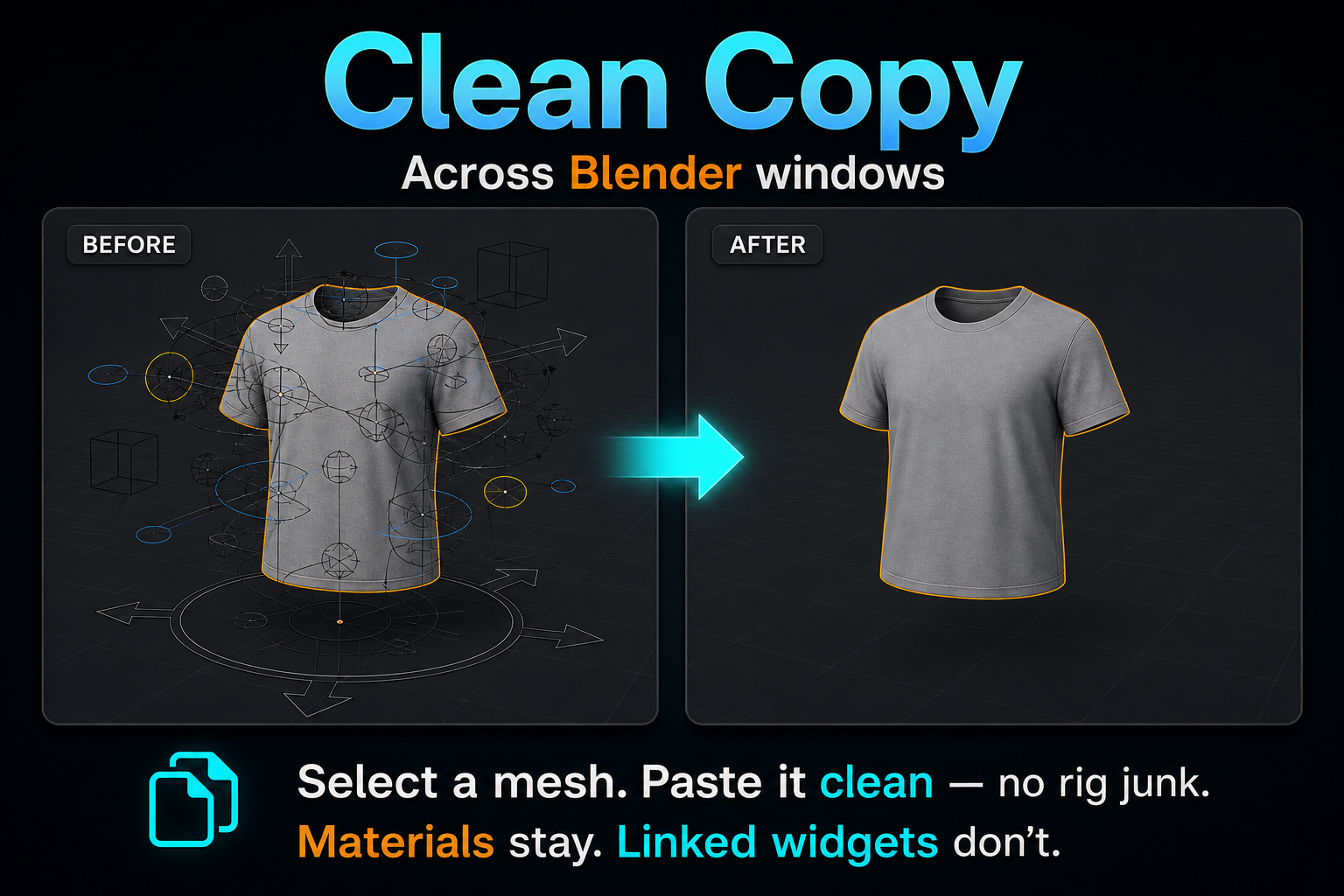
What comes with you
| Comes with you | Doesn’t (unless selected) |
| Selected object + mesh | Bone widgets outside the set |
| Materials | Armature you didn’t select |
| Full collection + hierarchy + visibility + color tags | Constraint targets outside the copy |
| Internal rig links / widgets / drivers (whole set) | Shared links back to the original scene |
Paste the same clipboard multiple times safely.
Install
- Download the free zip from Gumroad
- Blender Preferences → Add-ons → Install → choose the zip (folder
clean_copyinside) - Enable Clean Copy
- Use Outliner header Copy / Paste, or Ctrl+Shift+C / Ctrl+Shift+V
Preferences
- Include Child Objects
- Outliner icons (on by default)
- Viewport header buttons (optional)
- Assign custom shortcuts
FAQ
Why not just Ctrl+C? Same-scene copy is often fine. Clean Copy shines when you paste into another Blender window from linked/rigged data.
Materials? Yes, they come along.
Full rig collection? Yes — hierarchy, visibility, tags, widgets, constraints, internal drivers stay.